Welcome to our community

Be apart of something great, join today!

Is anyone else having picture problems?

Disclaimer: Links on this page pointing to Amazon, eBay and other sites may include affiliate code. If you click them and make a purchase, we may earn a small commission.

psj

Active member
Joined
Jul 24, 2015
Messages
2,058
Reaction score
0
Location
Long Island
It won't upload any of my pics. Anyone else having problems, or just me?

 

cgilmo

Well-known member
Administrator
Joined
Aug 6, 2008
Messages
37,212
Reaction score
35
Location
Alpharetta, Georgia, United States
For some reason it's rejecting certian images.

I haven't been able to find a common trait in the images it's rejecting. I'm looking into it.

For the time being use imgur and (img) tags.
 

AnthonyCorona

Well-known member
Joined
Oct 6, 2014
Messages
9,602
Reaction score
71
Location
Modesto, CA
For some reason it's rejecting certian images.

I haven't been able to find a common trait in the images it's rejecting. I'm looking into it.

For the time being use imgur and (img) tags.
Common trait...tasteful nudes?

Bring me your Bickford, Ryan McMahon, Senzatela and Peter Lambert cards
 

psj

Active member
Joined
Jul 24, 2015
Messages
2,058
Reaction score
0
Location
Long Island
I've been trying pics using an img tag, and nothing

 

cgilmo

Well-known member
Administrator
Joined
Aug 6, 2008
Messages
37,212
Reaction score
35
Location
Alpharetta, Georgia, United States
I've been trying pics using an img tag, and nothing

How are you trying to do it?


Sent from my iPhone using Freedom Card Board mobile app
 

linuxabuser

Well-known member
Joined
Jan 16, 2011
Messages
2,026
Reaction score
5
Should look like this [MENTION=12548]psj[/MENTION]
PHP:
[IMG]http://example.com/pic.jpg[/IMG]
 

psj

Active member
Joined
Jul 24, 2015
Messages
2,058
Reaction score
0
Location
Long Island
Nothings working for me. Rly sucks as I wanna upload my latest pickups
 

psj

Active member
Joined
Jul 24, 2015
Messages
2,058
Reaction score
0
Location
Long Island
Should look like this [MENTION=12548]psj[/MENTION]
PHP:
[IMG]http://example.com/pic.jpg[/IMG]

Linuxabuser, I'm not comp savvy at all. What the hell does that mean? Would u mind explaining it to me. Like what do I put for the "example" part after http?? I'm lost
 

linuxabuser

Well-known member
Joined
Jan 16, 2011
Messages
2,026
Reaction score
5
Linuxabuser, I'm not comp savvy at all. What the hell does that mean? Would u mind explaining it to me. Like what do I put for the "example" part after http?? I'm lost

Ah, sorry. You'll use the IMG tags once you have your pictures uploaded to a photo sharing site like imgur.com.

Once I get off my phone I will post a few screenshots that go step by step.
 

fordman

Well-known member
Joined
Feb 22, 2013
Messages
3,191
Reaction score
37
Location
Ohio
Linuxabuser, I'm not comp savvy at all. What the hell does that mean? Would u mind explaining it to me. Like what do I put for the "example" part after http?? I'm lost

url]


= beginning of code for server/browser to know that a picture will be inserted here.

http:// = hyper text transfer protocol. It's the standard call on the internet for a web address.
example.com = imgur.com or freedomcardboard.com or really any dot com out there that is hosting the picture. Imgur is hosting the picture so this is calling imgur server.

/pic.jpg = / is telling the server that the pic is in the main server folder. pic.jpg = the name of the pic. pic can really be anything you name the pic. the word pic here is used as a generic name for a pic.

.jpg = the type of file the picture is. .jpg is the most common and web friendly file type for pictures.

= closes out the code and tells the server and browser that the picture ends here.

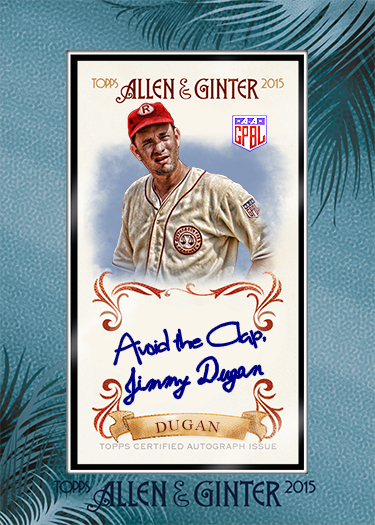
I'll use a picture from my hosting service for example:
url]
*Note - Dont use a spaces. I had to use one in this example to get it to show up correctly.

gintertemplatesmall.jpg


Hope this helps a bit,

Fordman
 
Joined
Aug 7, 2008
Messages
821
Reaction score
6
Location
Tampa, FL
url]


= beginning of code for server/browser to know that a picture will be inserted here.

http:// = hyper text transfer protocol. It's the standard call on the internet for a web address.
example.com = imgur.com or freedomcardboard.com or really any dot com out there that is hosting the picture. Imgur is hosting the picture so this is calling imgur server.

/pic.jpg = / is telling the server that the pic is in the main server folder. pic.jpg = the name of the pic. pic can really be anything you name the pic. the word pic here is used as a generic name for a pic.

.jpg = the type of file the picture is. .jpg is the most common and web friendly file type for pictures.

= closes out the code and tells the server and browser that the picture ends here.

I'll use a picture from my hosting service for example:
url]
*Note - Dont use a spaces. I had to use one in this example to get it to show up correctly.

gintertemplatesmall.jpg


Hope this helps a bit,

Fordman

Just as an FYI the only picture showing in the app is the last Ginter one. All the others pictures show broken links

Thanks,
Jeff


Sent from my iPhone using Freedom Card Board
 

fordman

Well-known member
Joined
Feb 22, 2013
Messages
3,191
Reaction score
37
Location
Ohio
Just as an FYI the only picture showing in the app is the last Ginter one. All the others pictures show broken links

Thanks,
Jeff


Sent from my iPhone using Freedom Card Board
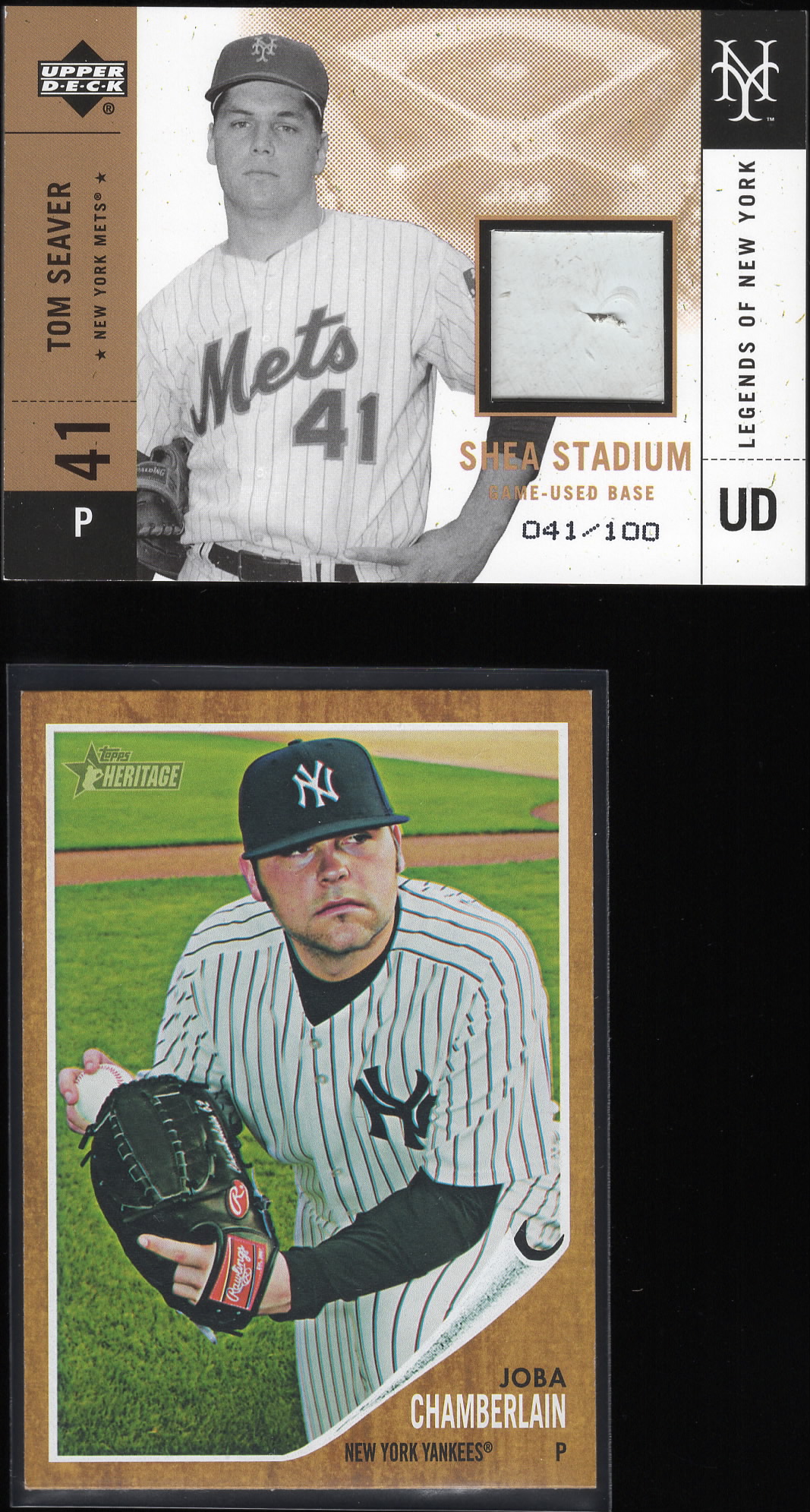
Ok, the app is interpreting the brackets on the code differently than a desktop browser does.

So here is a screenshot of what I originally posted:

fcbhelp1.jpg


Hope this helps!

Fordman
 

linuxabuser

Well-known member
Joined
Jan 16, 2011
Messages
2,026
Reaction score
5
Hey [MENTION=12548]psj[/MENTION] here is a sample picture from the tutorial I'm making

dCvNVqb.jpg


Bonus --- resize inline - just add a lower case L right before ".jpg" to make a huge image smaller.

dCvNVqbl.jpg
 

Members online

No members online now.

Latest posts

Top